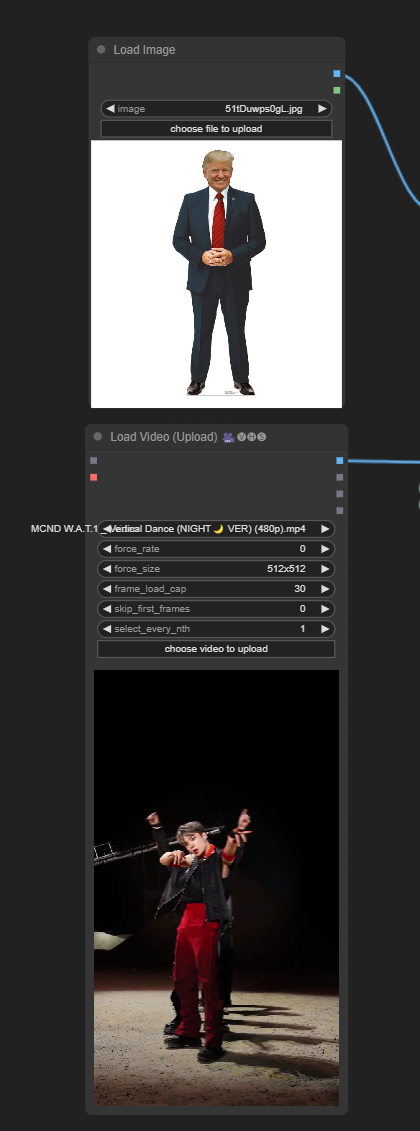
Find a Favorite Picture: Pick a picture of someone or something you like.
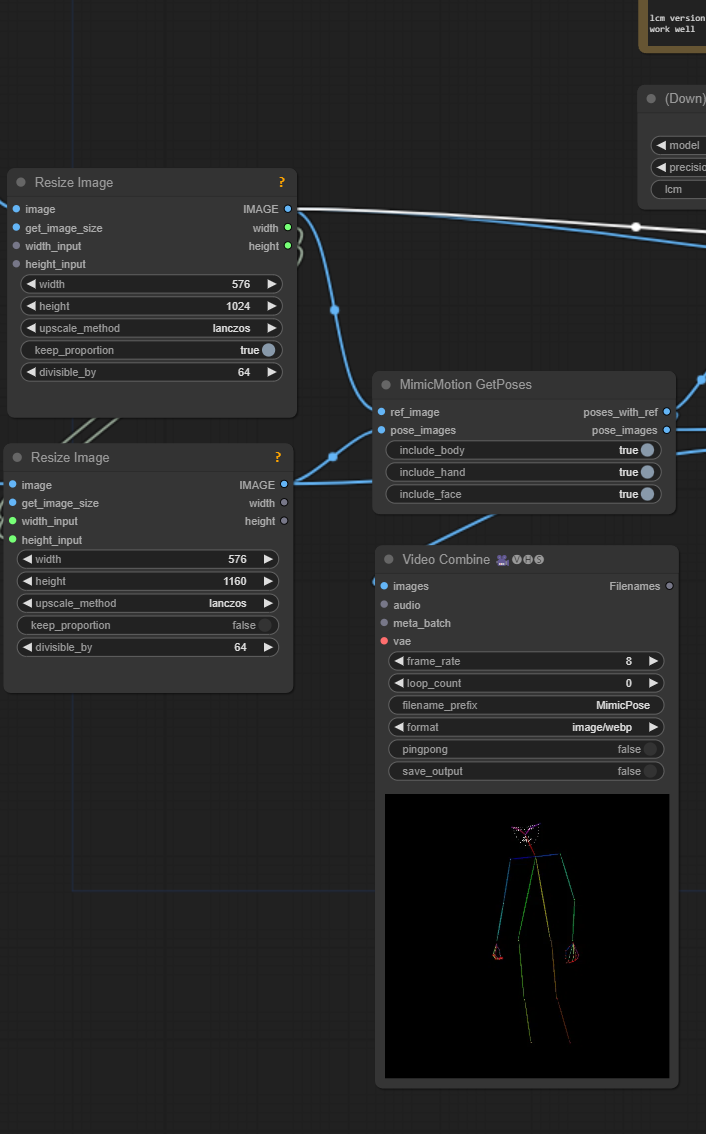
Make Pose Pictures: Draw or find pictures showing how you want them to move.
2
Load the Magic Tool
Set Up the Magic Tool: Use the computer to get the MimicMotion tool ready.
Connect the Tool: Make sure the tool is connected and ready to use.
3
Tell the Tool How to Move
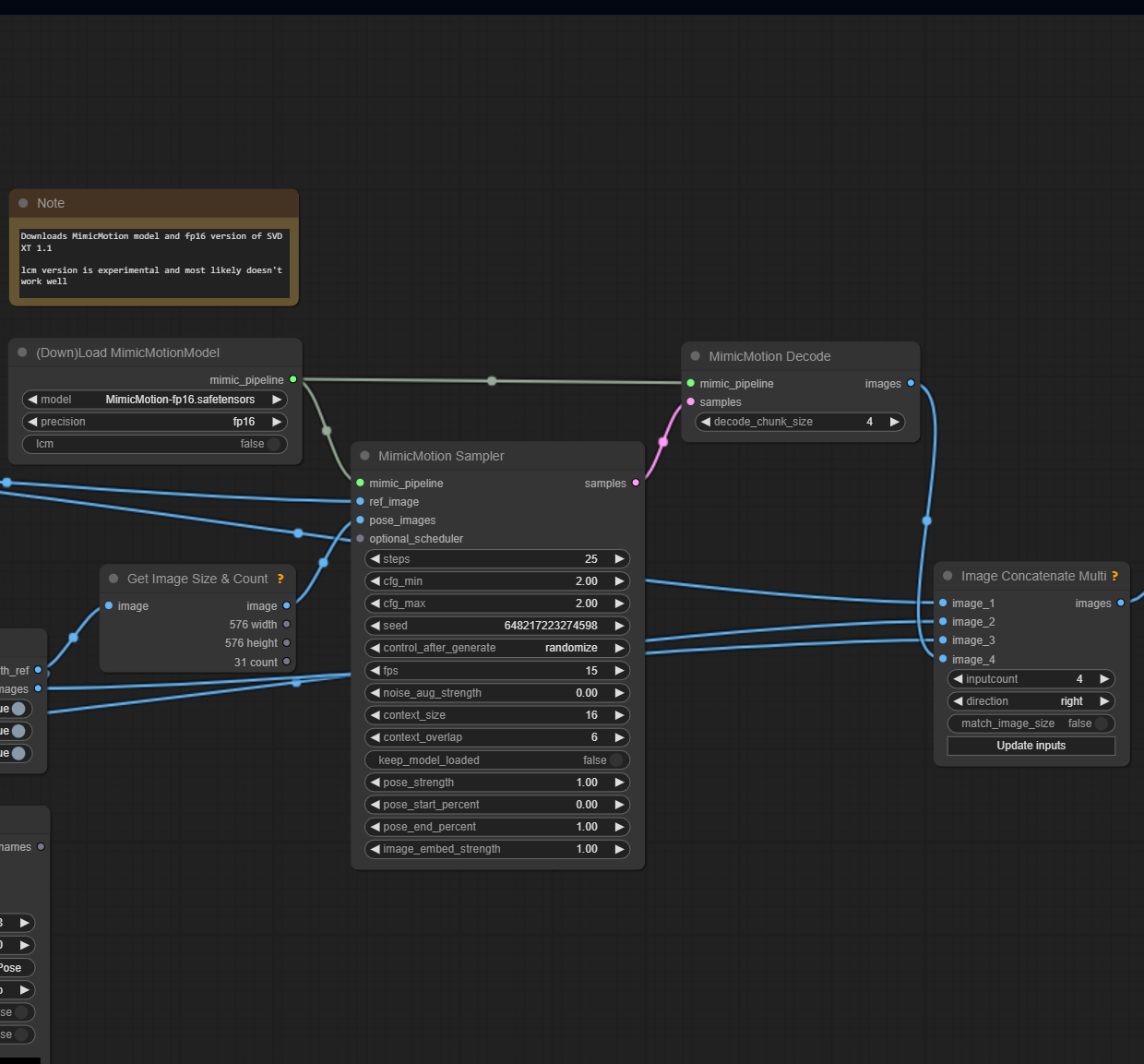
Add the Moving Tool: Use the MimicMotionSampler to tell the tool how to make your pictures move.
Give It Your Pictures: Show the tool your favorite picture and the pose pictures.
4
Turn Secret Code into Pictures
Add the Decoder Tool: Use the MimicMotionDecode to change the secret code into real moving pictures.
Connect the Tools: Make sure the decoder tool is connected to the moving tool.
5
Play and Have Fun
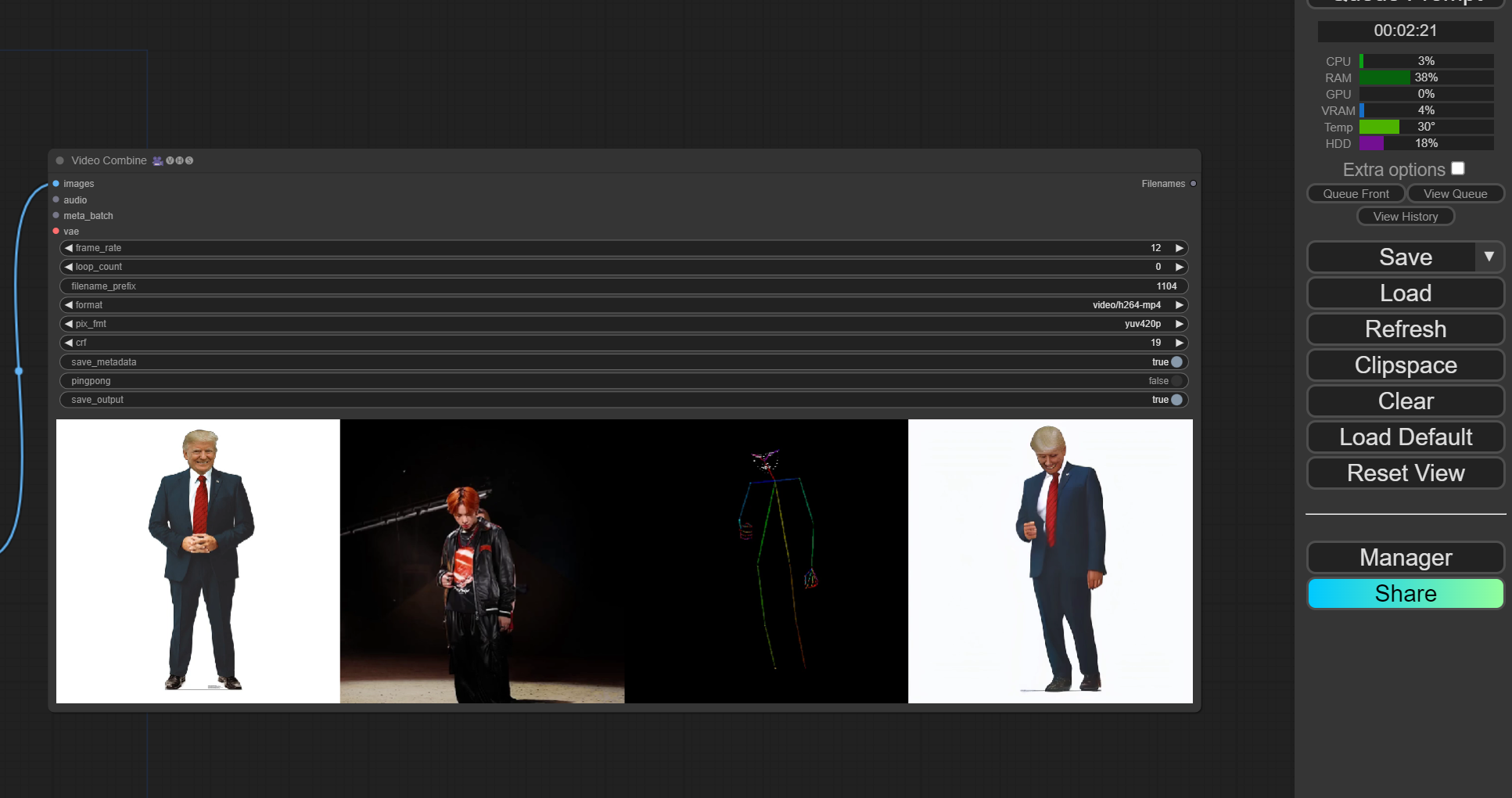
Try Different Pictures: Use different favorite and pose pictures to see new movements.
Watch Your Video: Enjoy watching your pictures come to life and have fun!